


Dean Dorsey
NFL, CFL, & OHL
Program Overview
This is my 20th year for Pro Sports Training. My philosophy or beliefs on an athletic training program, from my playing days, and now as a coach & trainer, has always been on the following;
- An athletic training program has to be fun and enjoyable, because if it’s not, why would you do it; – it’s the same reason why we play sports!
- An athletic training program has to challenge you physically, and mentally for you to become your best!
- An athletic training program has to produce results in striving to improve one’s athletic performance, because if it’s not, why would you do it!
Hockey is a game of horizontal acceleration and an athletic strength training program for hockey should always be focused on the improvement of athleticism, where highly explosive athletic movements occur everywhere, combining strength activities with jumping, sprinting and dynamic balance drills.
“It’s not what you do ON THE ICE- It’s what you do OFF THE ICE that will make the difference”
Program Overview
This is my 20th year for Pro Sports Training. My philosophy or beliefs on an athletic training program, from my playing days, and now as a coach & trainer, has always been on the following;
- An athletic training program has to be fun and enjoyable, because if it’s not, why would you do it; – it’s the same reason why we play sports!
- An athletic training program has to challenge you physically, and mentally for you to become your best!
- An athletic training program has to produce results in striving to improve one’s athletic performance, because if it’s not, why would you do it!
Hockey is a game of horizontal acceleration and an athletic strength training program for hockey should always be focused on the improvement of athleticism, where highly explosive athletic movements occur everywhere, combining strength activities with jumping, sprinting and dynamic balance drills.
“It’s not what you do ON THE ICE- It’s what you do OFF THE ICE that will make the difference”

Dean Dorsey
NFL, CFL, & OHL
Building Your Training Program
Prosports Training offers THREE different components of Athletic Training. (as well as a goalie specific program) Each of them are extremely important in achieving athletic success.
***Must be 12 years of age or older to enroll in the Pro Sports Programs***
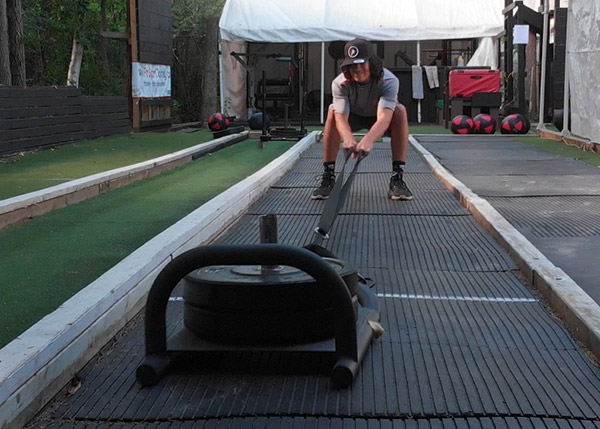
Athletic Strength
Program
The ASP Program is designed to improve strength and athleticism, with the intent of improving sport skills. Focused areas include: Upper/Lower body strength, vertical/horizontal lifting and movement, core strength and rotational power.
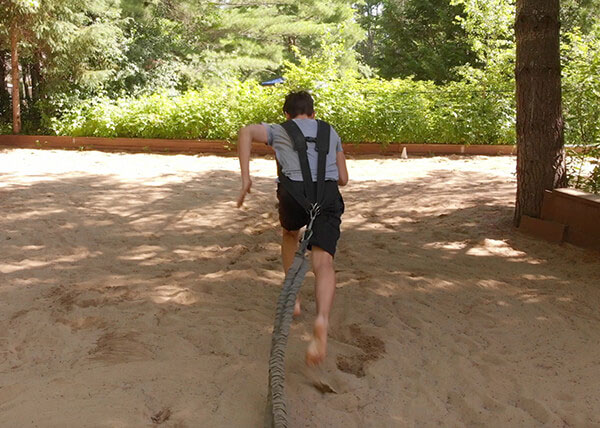
Explosive Movement
Program
The EMP program is designed to improve one’s sports performance by improving explosive power while incorporating speed, agility, and quickness.
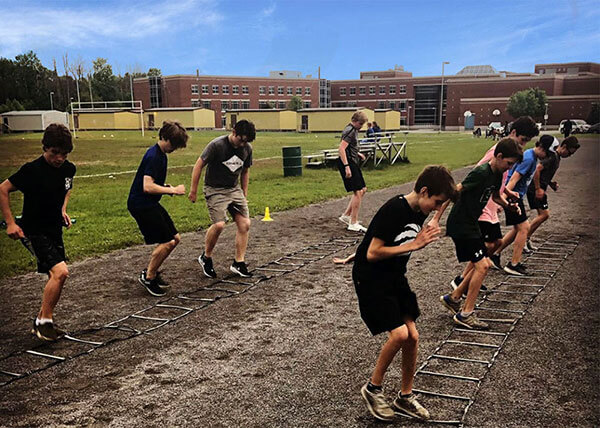
Energy System Development
Track Program
The ESD program is a complete 12 week sprinting program at the Goulbourn Recreation Complex. This program features distance sprints, repeats, pro runs, acceleration starts, agility quick feet drills and much more!
Goalie Specific
Program
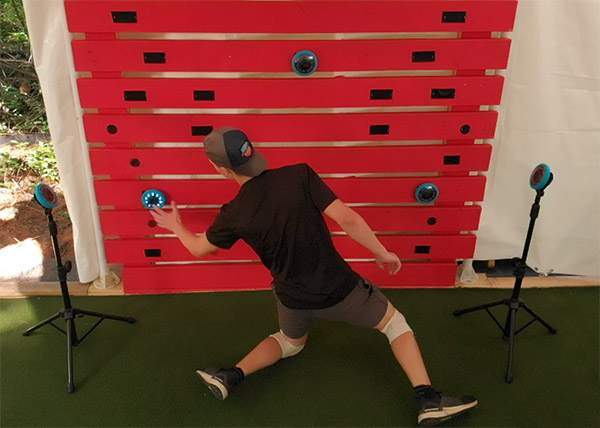
The GSP program is designed for goalies to work on specific exercises to improve their movement patterns while incorporating visual reaction, concentration and core rotational strength.
About Us
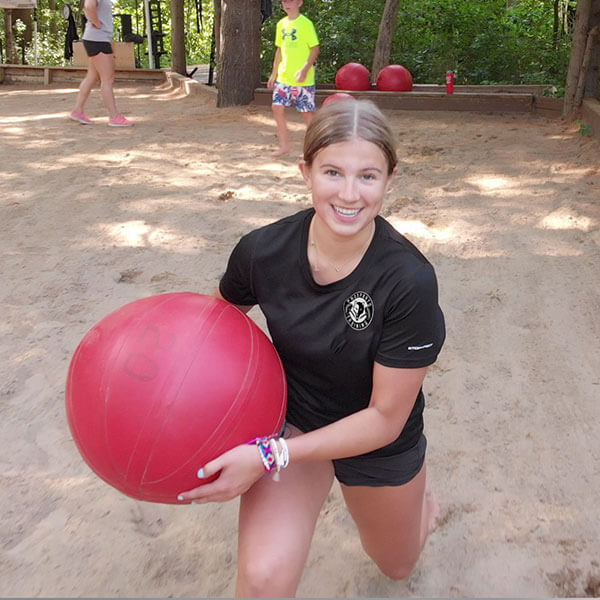
Our hockey dryland training programs give our athletes an advantage over the competition. Learn more about us and why many athletes chose Prosports Training!
Hockey Dryland Training
Facility
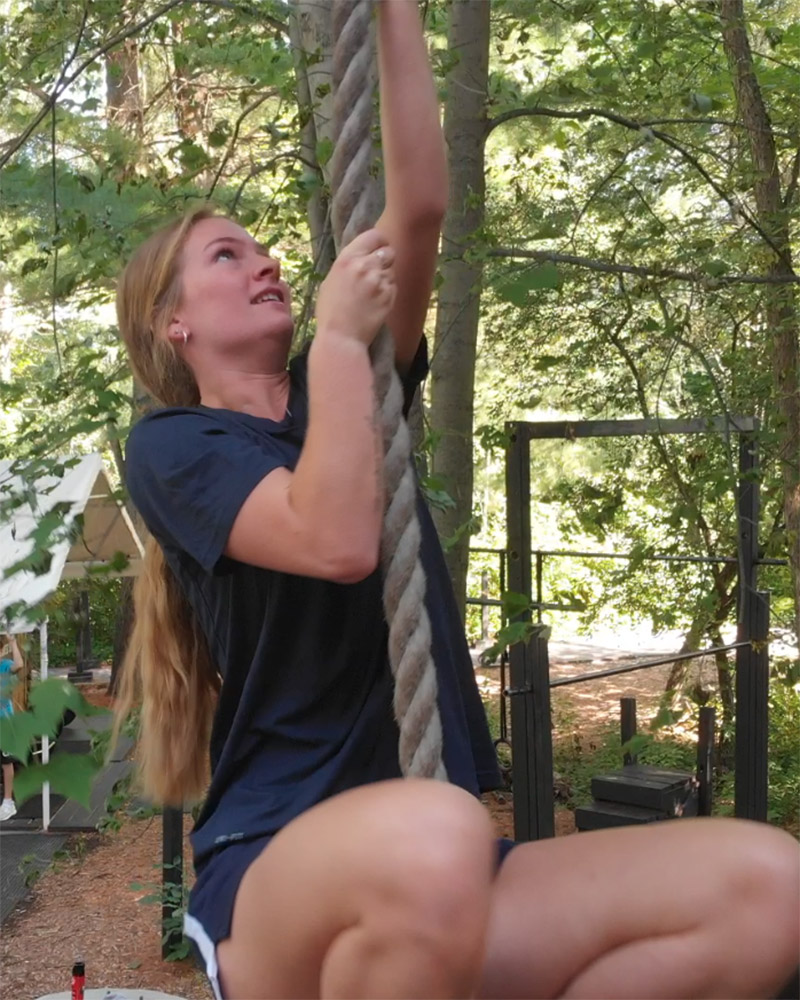
Our outdoor hockey dryland training facility offers an experience that can't be matched. View our 2 acre facility, and see how it separates us from the competition.
About Us
Our hockey dryland training programs give our athletes an advantage over the competition. Learn more about us and why many athletes chose Prosports Training!
Hockey Dryland Training Facility
Our outdoor hockey dryland training facility offers an experience that can’t be matched. View our 2 acre facility, and see how it separates us from the competition.